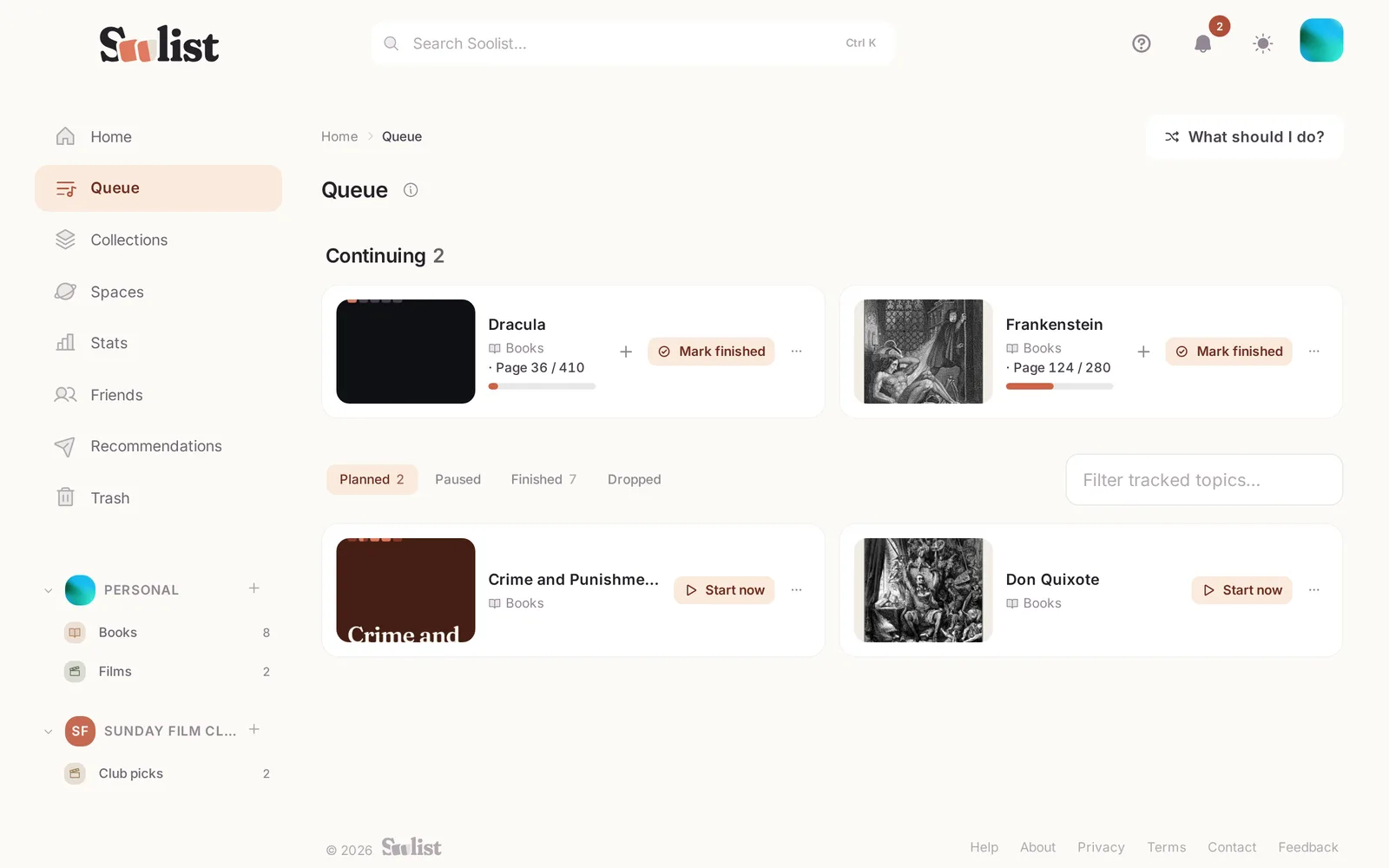
Besides scores, Soolist remembers where you stand with each topic.
Status
Set a topic to Planned, In progress, Finished, Paused or Dropped. Starting fills in the start date, finishing fills in the finish date, and starting a finished topic again begins a new run. Rating something marks it finished.
Progress
For series, books or anything with parts, record how far you are: "episode 5 of 10" or "two more chapters". Reaching the end finishes it.
What next?
Your Queue shows what you are in the middle of and what you planned. Can't choose? Soolist can pick something at random from your plans, or from things you keep but never started.
To clear a status, choose Clear status.