Connect Soolist to an AI assistant and you can use it by talking: "I watched Nosferatu last night, give it a 9", "add these four books to my reading list", "what did my friends rate this week?", "start a film club and invite Grace".
What it can do
Once connected, the assistant can do what you can do in Soolist: rate and organise, keep notes and statuses, handle friends, spaces and recommendations, read your stats, and make share images. It acts as you, so it sees what you see and nothing more.
It cannot change your password, your email or your security settings.
Connect yours
- Claude — on claude.ai, the desktop and phone apps, and Claude Code.
- ChatGPT
- Other assistants and editors — Codex, Cursor, VS Code and any app that supports MCP.
Every one of them connects to the same address:
https://mcp.soolist.com/
The first time, you sign in to Soolist and choose Allow.
Stay in control
- Each time the assistant changes something, Soolist tells you what it did.
- Before something that cannot be undone, such as deleting for good, the assistant asks you first.
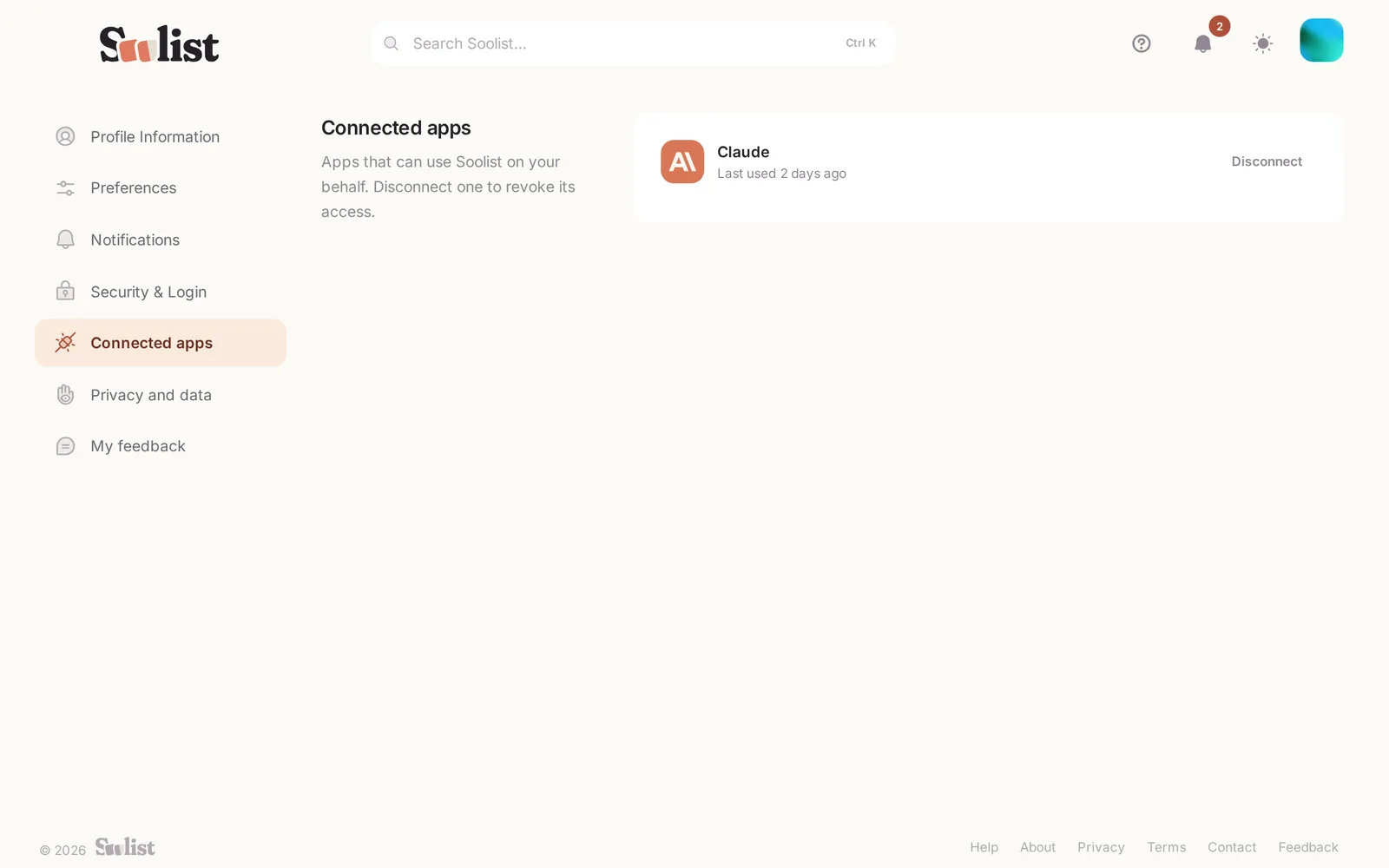
- See and disconnect connected assistants any time in Settings → Connected apps.
Not sure what to ask? See Things to ask your assistant.