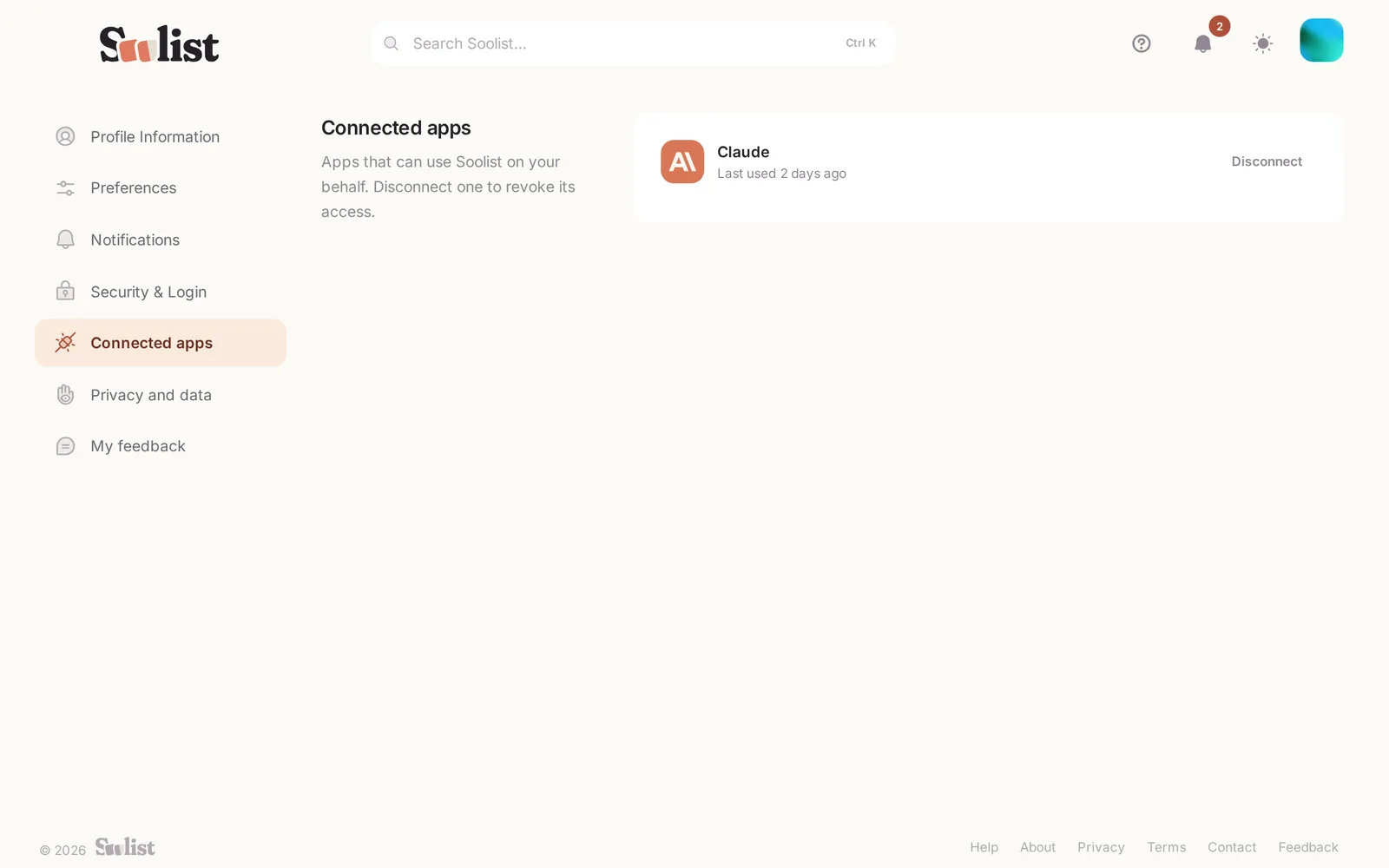
Everything below is in Settings, from your picture in the top corner.
Language and look
Under Preferences, choose your language, light or dark theme and colours. They follow you to every device.
Notifications
Choose which notifications you get — friend requests, recommendations, replies, reactions — and how often email digests arrive.
Security & Login
Change your password, turn on two-factor authentication, add a passkey, and sign out of other devices.
Privacy and data
- Taste — switch taste matching on or off.
- Export account data — get a copy of everything you keep in Soolist.
- Delete account — remove your account. This cannot be undone.
Connected apps
AI assistants and other apps you allowed to use Soolist are listed under Connected apps. Disconnect one and it loses access at once.